 zenvodo
Meet Zenvodo
Requests, promises and deadlines can get buried in a busy inbox. zenvodo gives that work a place to land: a personal workspace where you can review tasks, choose the next step and make room for focused work.
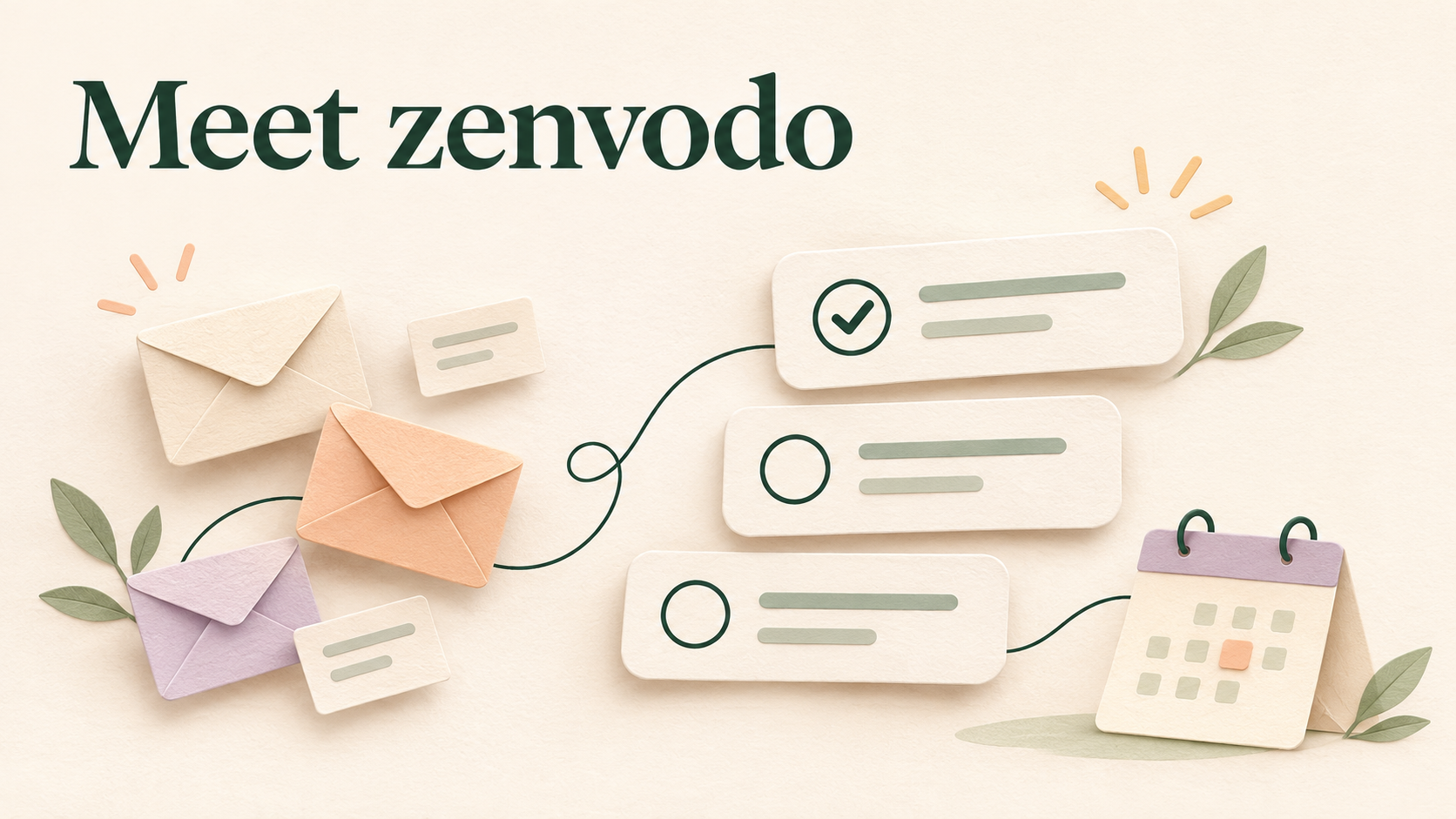
Hotmail was released a month before I started college. A few friends and I got our first email addresses, and I remember how exciting it was to send messages back and forth. We kept checking our inboxes, hoping something new had arrived. Email was fun, and we looked forward to receiving new messages.
Fast-forward more than twenty years, and that feeling has waned.
Email still connects us, but it also brings advertisements, newsletters we don’t read, spam, work requests, appointment details, and a seemingly endless stream of notifications. Meanwhile, life keeps getting busier; people to care for, responsibilities to manage, and plenty of other things competing for our attention.
Opening an inbox can feel like picking up another job.
Somewhere among those messages is something important: a question that needs an answer, a promise you made, a deadline, or a conversation that needs a response. Finding it means wading through everything around it. Then you have to decide what to do with it and find time for it.
That is the everyday problem zenvodo is designed to help with.
When every message becomes another decision
An inbox can contain hundreds or thousands of messages, but the number alone does not explain why email feels so exhausting. Each message asks for a decision.
Does this need my attention? Is someone waiting for me? Am I waiting for someone else? Is there a deadline? Have I already dealt with this?
You might open an email, realize you need information before replying, and leave it unread so you remember to come back to it. Another message contains an appointment you intend to put on your calendar. A third reminds you of something you promised last week. Before you finish sorting those out, several more arrive.
The inbox gradually becomes a mixture of correspondence, reminders, unfinished work, and things you are afraid to forget. Returning to it means reconstructing those decisions again.
It is understandable to feel overwhelmed or unsure where to begin. If you are someone with ADHD, the attention and organization involved can make that process especially demanding.
A useful place to start is making the next step easier to see.
Meet zenvodo
zenvodo turns actionable email into organized tasks, with space for the things you manually add. You can see work you need to do, promises you have made, and items you are waiting on, then decide what deserves your attention now.
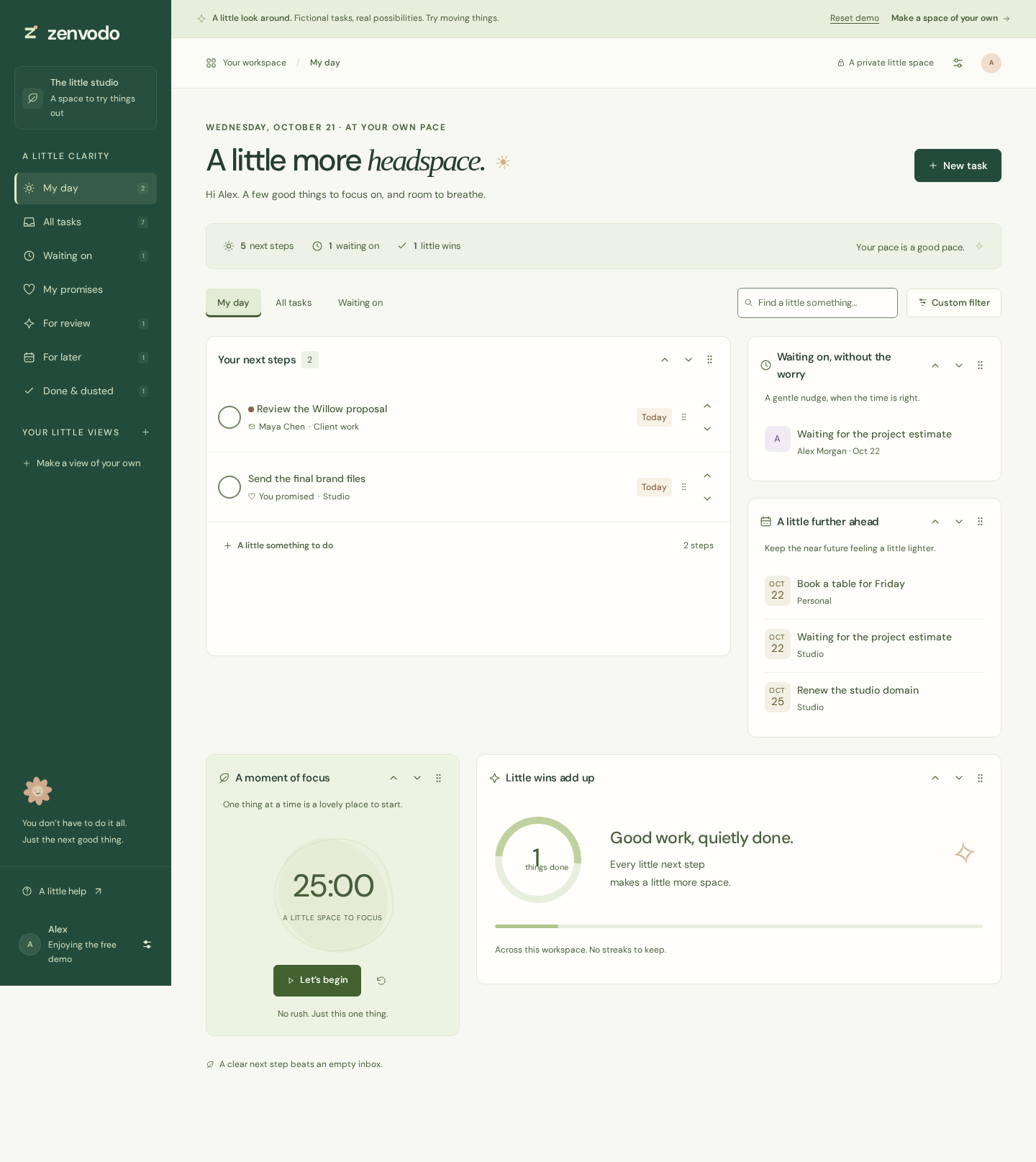
Imagine receiving an email asking you to review a document by Thursday. During email analysis, zenvodo can identify that request and create a task with a suggested title and due date. A message you sent promising to provide an update can become a commitment to keep in sight. Moreover, a conversation about a meeting can lead to a proposed calendar event for you to review.
These are suggestions based on the messages analyzed in your inbox. You can check the source details, correct a title or date, and approve or dismiss suggestions that need review. Your judgment remains part of the process.
The practical benefit is having a clearer starting point. Instead of rereading a conversation to remember why it mattered, you can return to the task and its context.
How email becomes something you can act on
You can begin with manual tasks, without connecting an inbox. When email assistance fits your workflow, a paid plan lets you connect a supported mailbox. The available providers depend on your plan, and the pricing page explains the current options.
Connecting a mailbox and allowing analysis are separate choices. Before enabling syncing, review the analysis provider and its data policy, choose a recent-mail window, and give your consent. Relevant message content is sent to the disclosed provider for analysis. You can pause future syncing from your account.
With syncing enabled, zenvodo checks supported messages in Inbox and Sent. Analyzing both helps it recognize requests coming to you and commitments you make in replies. Its mail access is read-only: organizing or completing a task in zenvodo leaves the original email untouched.
Messages that are informational, promotional, or otherwise contain no actionable work don’t necessarily need to become tasks. You can also create Email rules to skip analysis for matching senders, subjects, or other supported conditions. For example, you could exclude a routine newsletter or an automated notification you already handle elsewhere.
This helps keep your task space focused on useful work. Those newsletters and messages remain in your mailbox, available whenever you want them.
Give each task somewhere useful to go
Once a task is visible, you have choices beyond leaving it in an inbox and hoping you remember it.
Choose Start working when you are ready to begin. The task appears in In progress, making it easier to find your place after an interruption. If something needs to wait until tomorrow, snooze it and return to it later. When the work is finished, mark it done.
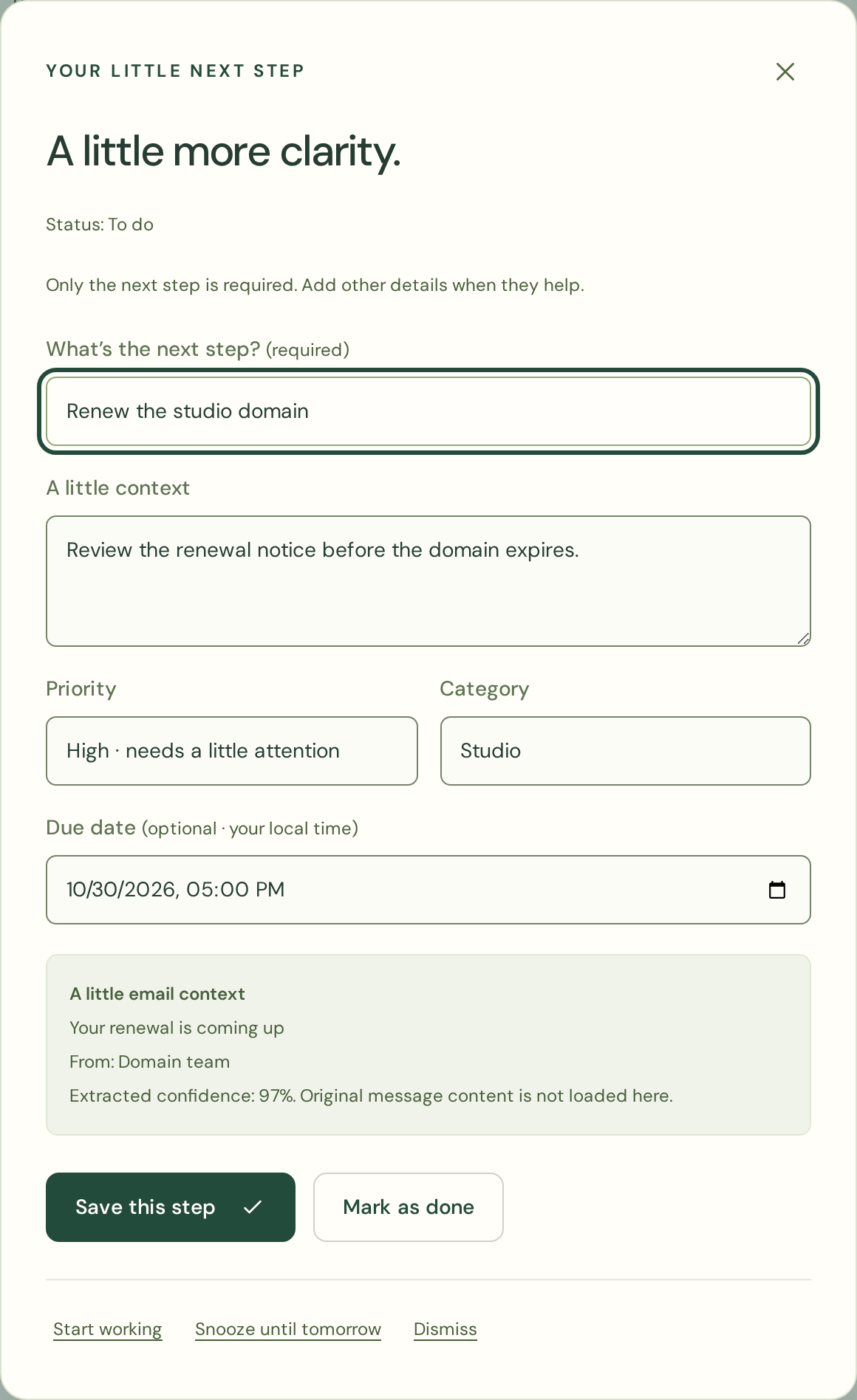
You can also organize tasks into saved views. A view for high-priority work or a particular category gives you a familiar place to return without rebuilding the same filters every time.
Consider this simple example. You have a document to review, a reply you are waiting for, and an appointment request. Those are three different kinds of attention. The document needs work from you. The waiting item needs a later check. The appointment needs a decision about your availability. Seeing those distinctions makes your next move clearer.
Follow-up insights adds another way to review saved work, highlighting signals such as overdue commitments or waiting items that may deserve another look. You can check the original conversation before deciding whether to follow up.
Later messages may also suggest that a task is finished. These appear under Possibly finished, where you can choose Mark done or Keep open. Completion remains your decision.
Start the day with a clearer picture
The daily briefing brings together tasks from your Personal space and connected workspaces. It gives overdue work, today's tasks, upcoming dates, waiting items, and review suggestions a place in one overview.
That can be useful when your responsibilities are spread across different spaces. You can open the briefing, review what needs attention, and choose where to begin.
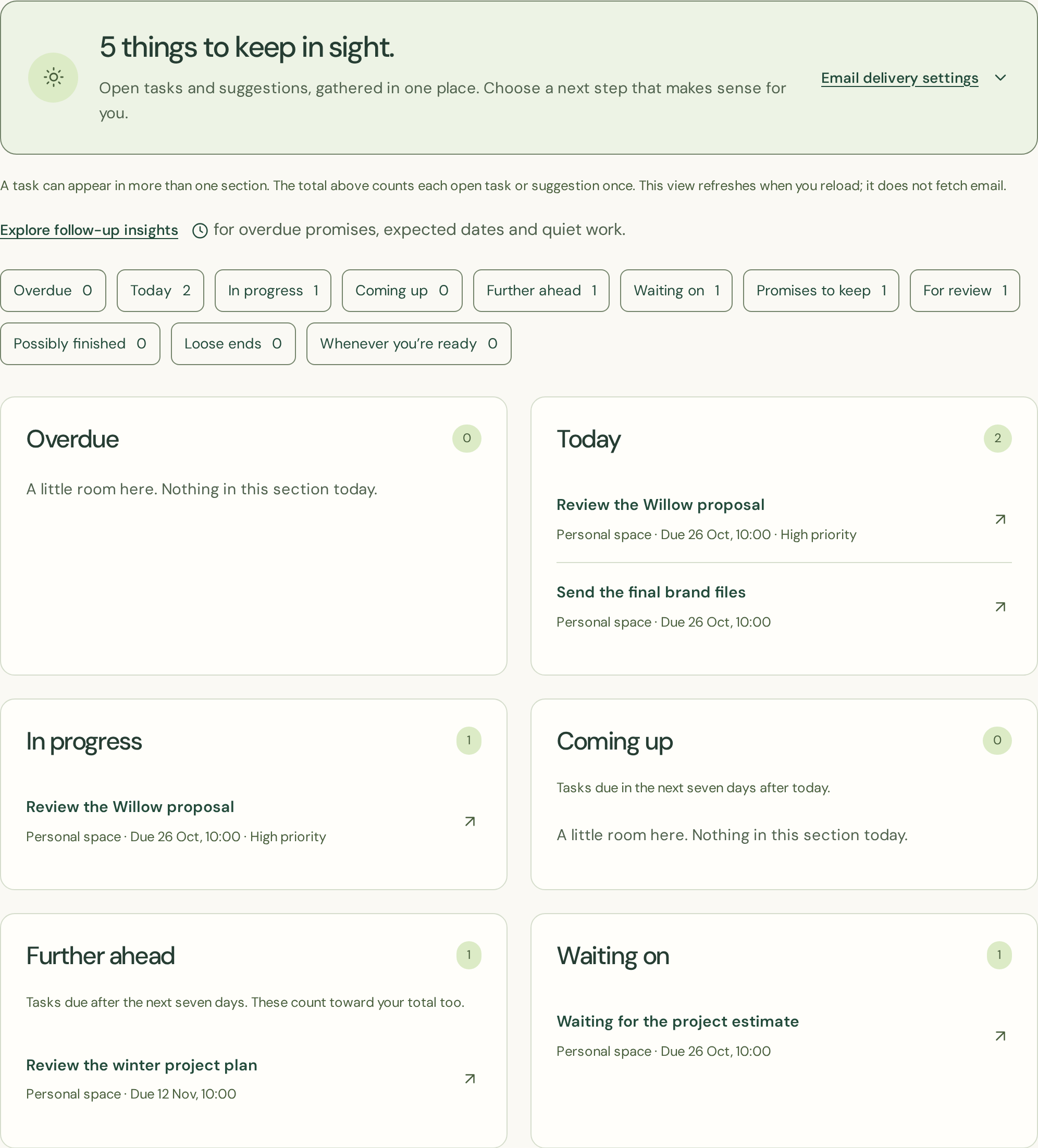
The briefing is available inside zenvodo. Optional email delivery can be enabled separately, with choices regarding its timing and level of detail. You decide whether another email would help your routine.
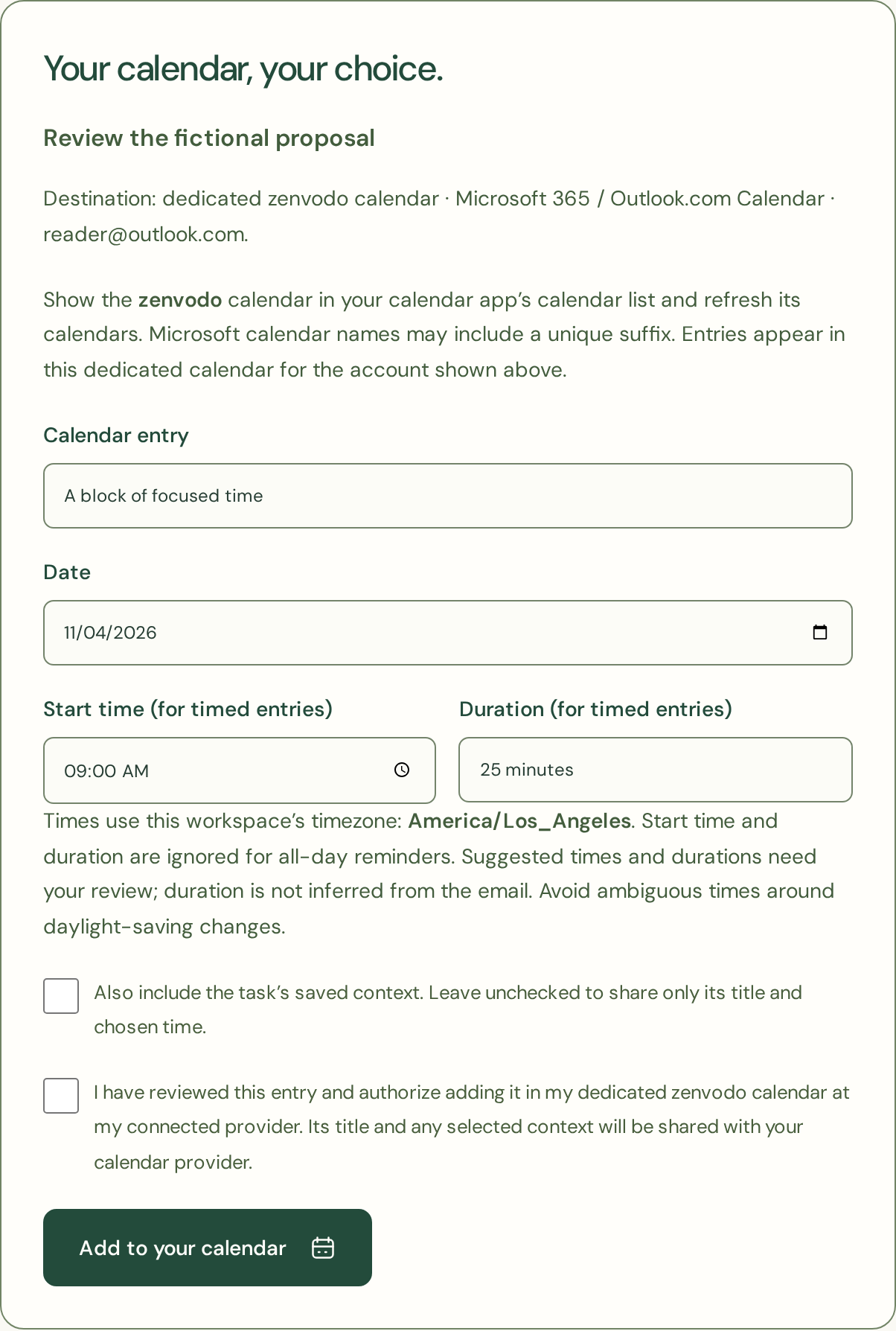
When a task needs time on your calendar, you can review and schedule it through a separately connected calendar account. Calendar scheduling is available on every plan, including for manual tasks. You choose the title, date, time, and duration before approving the entry in a dedicated zenvodo calendar.
A proposed meeting stays a proposal until you review it. This gives you a chance to check the original message and decide whether that time actually works for you.
Why this may help if you have ADHD
ADHD experiences differ, but difficulties with attention, organization, time management, and remembering daily tasks are recognized challenges for some adults, as the National Institute of Mental Health explains.
With email, several of those demands can arrive together. You need to notice a request, work out the action, remember it later, and return to it without getting pulled into unrelated messages. zenvodo's features offer practical support at those points.
A visible task gives the request a place outside your memory. An In progress view gives you a place to look when you lose your train of thought or return after being interrupted. A daily briefing can become a familiar starting point when deciding where to begin feels difficult.
Saved views let you narrow what you are looking at. Snoozing gives later work a place to wait. Reviewed calendar scheduling helps you turn “I need to do this” into a decision about when you will make time for it.
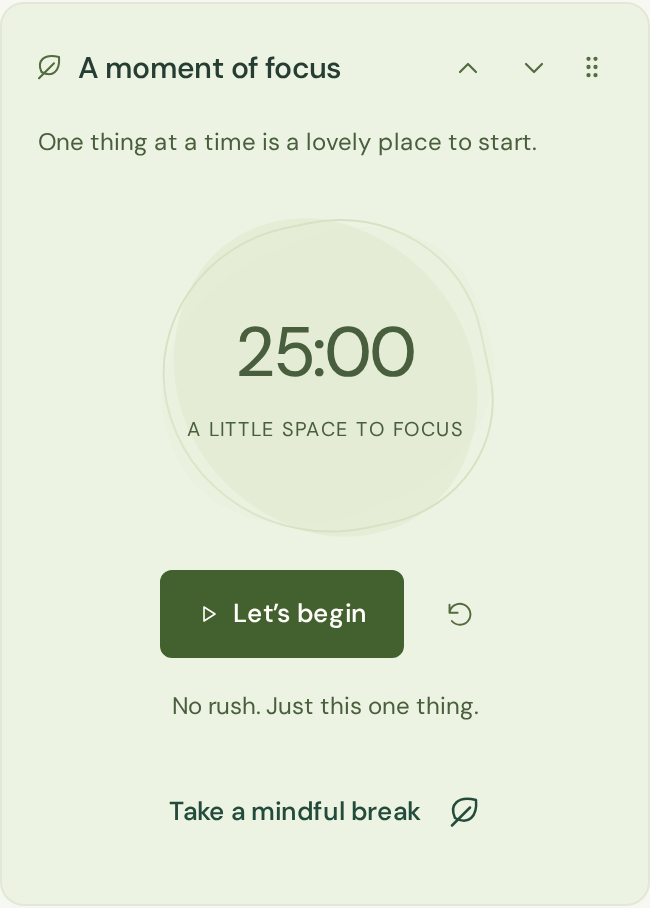
For a smaller stretch of work, there is a quiet twenty-five-minute focus timer (Pomodoro). Optional mindful moments offer short pauses, and you can skip them or turn scheduled invitations off. You can use the parts that help and leave the rest alone.
None of this makes every day predictable. Instead, it gives you a few reliable places to return to when your attention or circumstances change. You can try the workflow and judge whether it makes your own next right action easier.
Try a smaller, calmer starting point
You do not have to connect a mailbox or organize years of email to find out whether zenvodo suits you.
Start free with manual tasks, saved views, daily briefings, and reviewed calendar scheduling. Add a few real tasks: something you need to finish, a commitment you want to remember, or a small piece of work you can begin today. See how it feels to return to them in a dedicated space.
Personal and Pro add supported mailbox connections and monthly email analysis allowances when you want that assistance. Review the plans and decide whether connecting email would make your routine easier.
I still appreciate what made email exciting in the first place: hearing from people, sharing ideas, and staying connected. The responsibilities around it have grown, and finding the important things takes more effort than it once did.
My hope for zenvodo is that it gives you a little of that headspace back: less time reconstructing what needs doing, a clearer view of your commitments, and an easier way to choose what comes next.
Give it a try. Start with one task, and see where a little more clarity takes you.