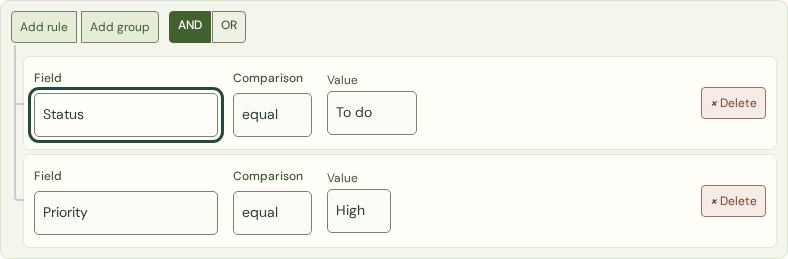
Choose Custom filter in your workspace. For example: show tasks where Priority is high ANDStatus is to do. Choose a field, comparison and value for each rule.
Match two rules with ANDExample
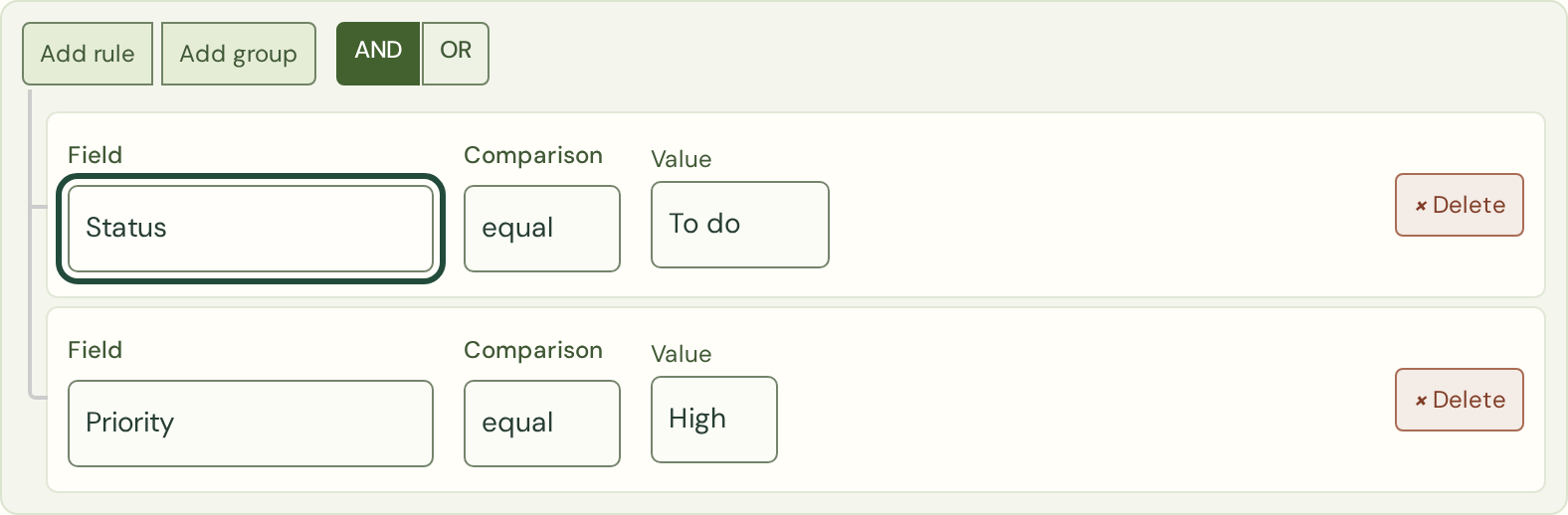
Choose Custom filter, then set Status to To do and Priority to High. With AND selected, both rules must match. Apply filter shows the matching tasks without saving a sidebar view. View full-size screenshot : Match two rules with AND
Use AND and OR
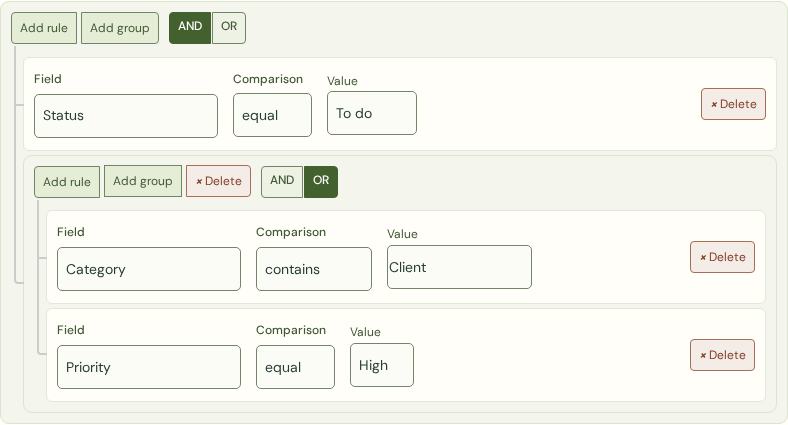
AND requires every rule to match. OR requires at least one. Add a group for a combination such as Status is to do AND (Category contains Client ORPriority is high). Date rules use the workspace’s timezone.
Keep either choice inside an OR groupExample
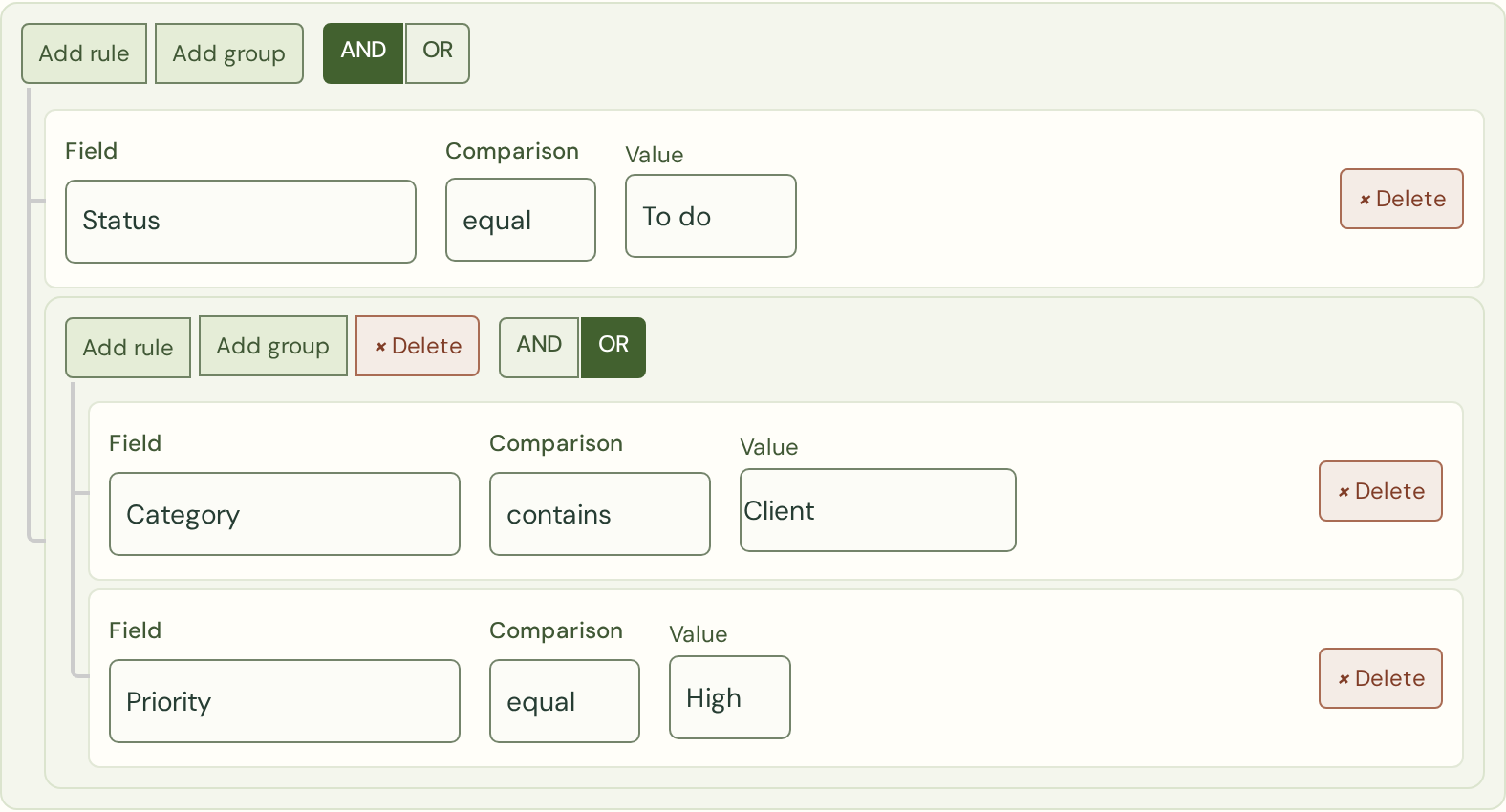
Use Add group, add the Category and Priority rules inside it, and select OR for that group. Keep AND at the outer level: tasks must be To do and must either contain Client in their category or have High priority. View full-size screenshot : Keep either choice inside an OR group
Save it for later
Choose Save as view and give the filter a useful name. Saved views appear in the sidebar. You can save up to twenty views per workspace and delete them when they stop being useful.
Return to your saved viewExample
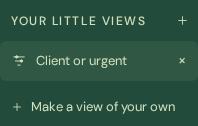
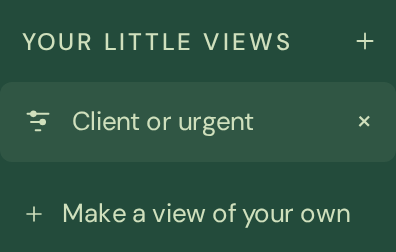
Enter a name such as Client or urgent in the filter builder and choose Save as view. Select the saved name in the sidebar to use those rules again. The cross removes the view, not its tasks. This example uses fictional demo data. View full-size screenshot : Return to your saved view
Know what you are seeing
Search and your chosen view work together. Clear search to see the full view. Tasks load in pages of one hundred. A saved filter never grants access to a different account or another customer’s tasks.
 zenvodo