 zenvodo
Small pauses, a little more headspace
Optional mindful moments at 9am, noon and 3pm, plus quiet breaks whenever you need one.
A rhythm that follows you
Mindful moments are included in every plan. A morning invitation appears at 9am, a midday pause at noon and an afternoon reset at 3pm in your mindfulness timezone. The starting timezone comes from your customer profile. Activities rotate daily; revisit them or choose from all nine pauses.
Notice without interruption
A persistent invitation appears near the top of the dashboard and is announced politely. It never opens a dialog automatically, plays a sound or interrupts your typing. Choose Take a moment, In 15 minutes or Skip this moment. If you arrive late, the latest invitation is ready; earlier activities remain in the widget without a backlog of reminders.
Make it yours
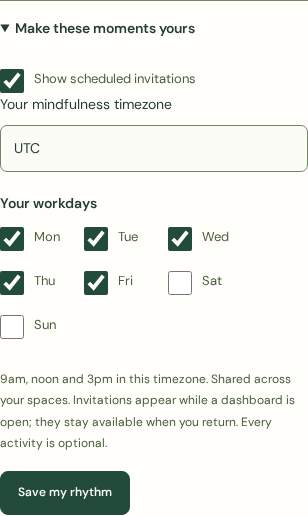
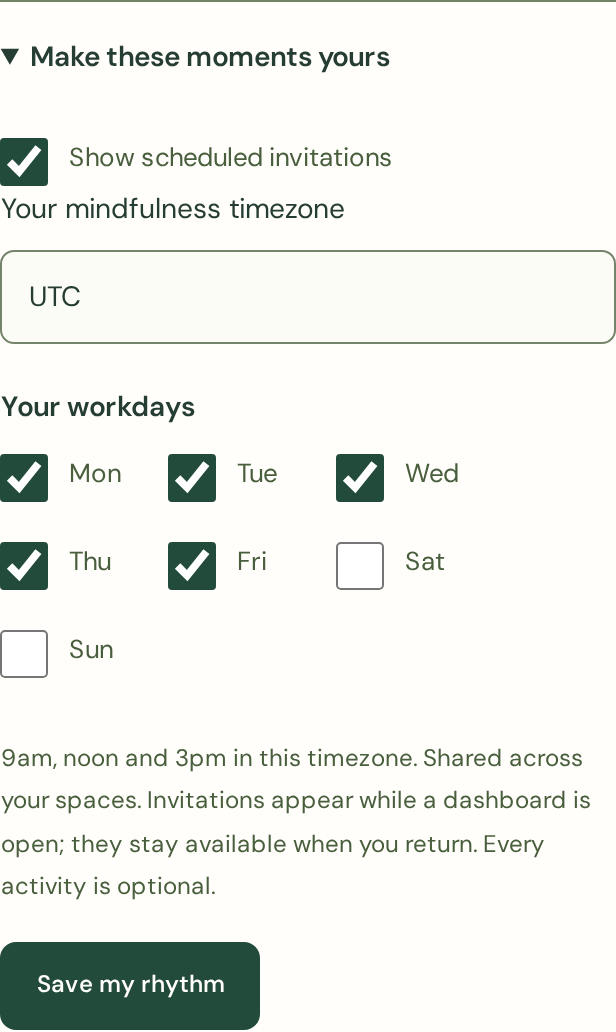
Expand Make these moments yours in the Mindful moments widget. Choose your timezone and workdays, or turn scheduled invitations off, then select Save my rhythm. Monday to Friday is the default. Settings and today’s taken, skipped or snoozed invitations are shared across your spaces. Pauses remain available on demand when invitations are off.
A pause you control
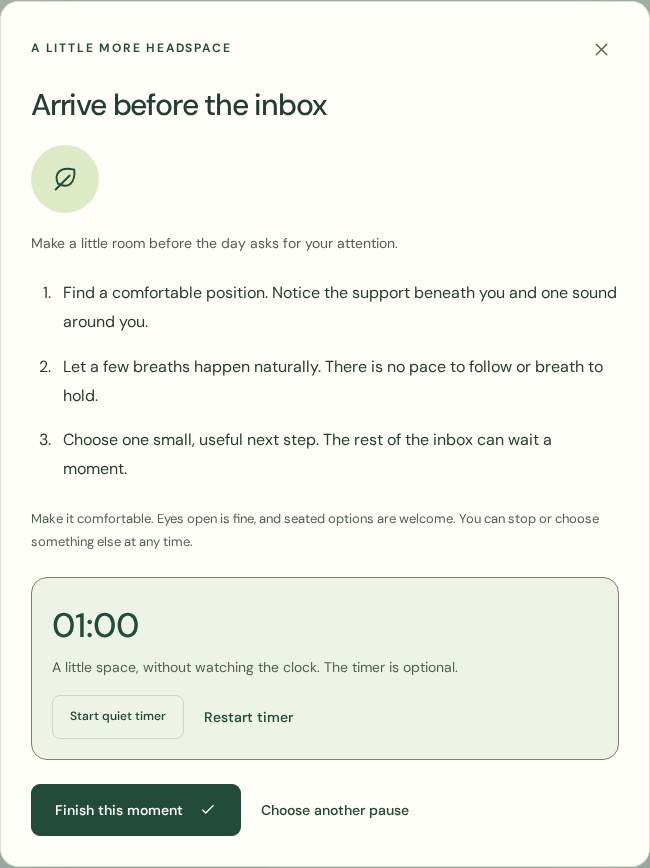
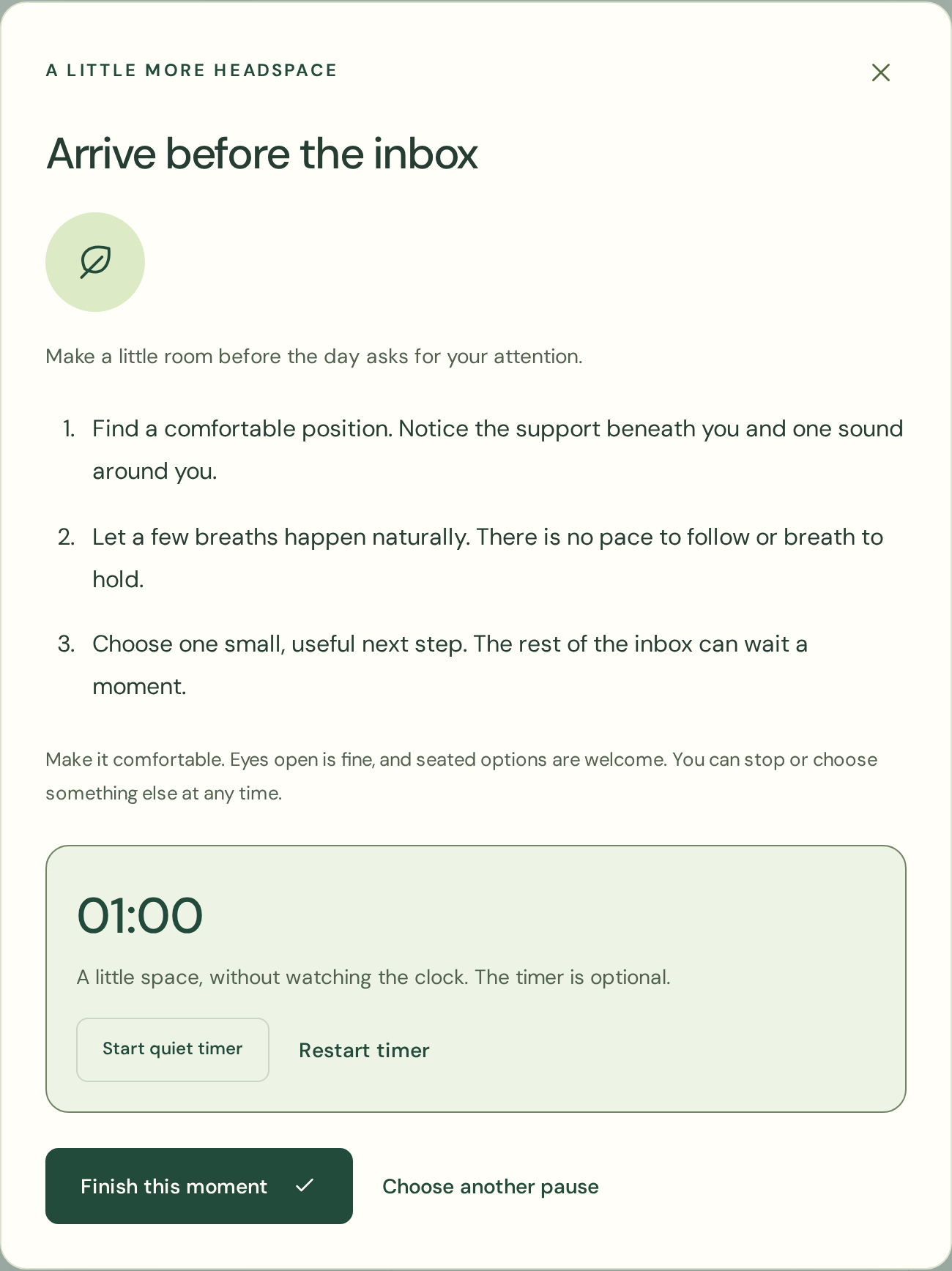
Choose an activity in the widget, Find a moment now, or Take a mindful break beneath your focus timer. Read the short steps and optionally start the quiet timer. Pause, restart, finish early, change activity or close the dialog. Eyes open and seated options are welcome. If a practice is uncomfortable, stop and choose something else.
Focus and breathing room
Scheduled invitations leave an active focus timer running. Explicitly choosing an activity pauses that timer, keeping its remaining time. Resume it yourself when ready. After a focus session, an available invitation is gently highlighted. These small pauses do not replace longer breaks away from the screen.
What reminders can do
Scheduling runs while a dashboard is open. Returning to a sleeping or background tab refreshes the current invitation. A closed dashboard cannot deliver reminders. There are no push notifications, emails, streaks, health scores or penalties for skipping.
A private little moment
No journal, mood or health information is collected. Settings and a small record for the latest day you interacted are stored privately on the server. They are not placed in live browser storage or sent to an analysis provider. On-demand choices and timer use are not recorded. The public demo uses fictional preferences on your device.