 zenvodo
Verify your zenvodo account email
Confirm your sign-in address before connecting a mailbox.
Keep your personal space
Your personal space and saved tasks are available before verification. Connecting a mailbox and using email analysis require a verified zenvodo sign-in address. That address can differ from a connected mailbox.
Confirm your address
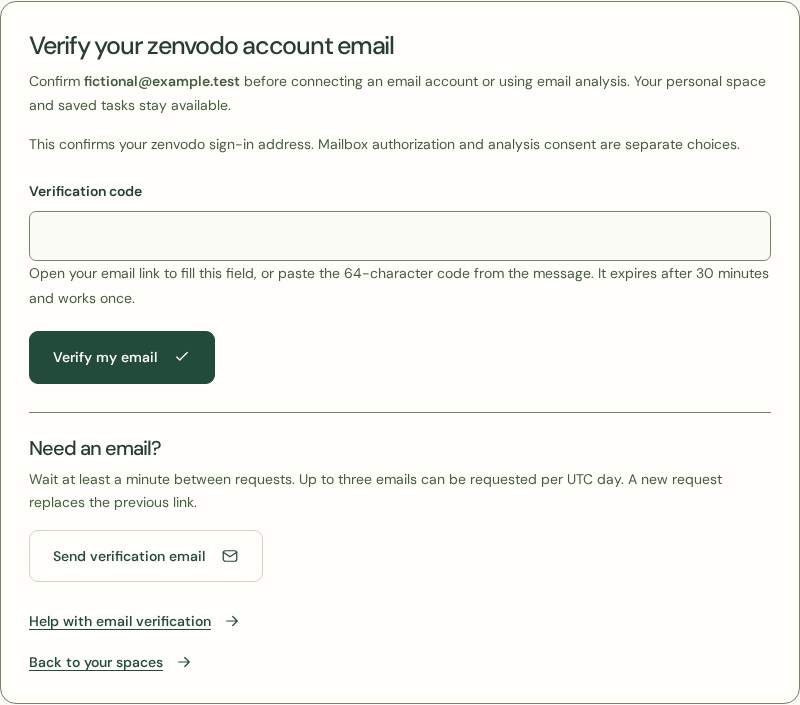
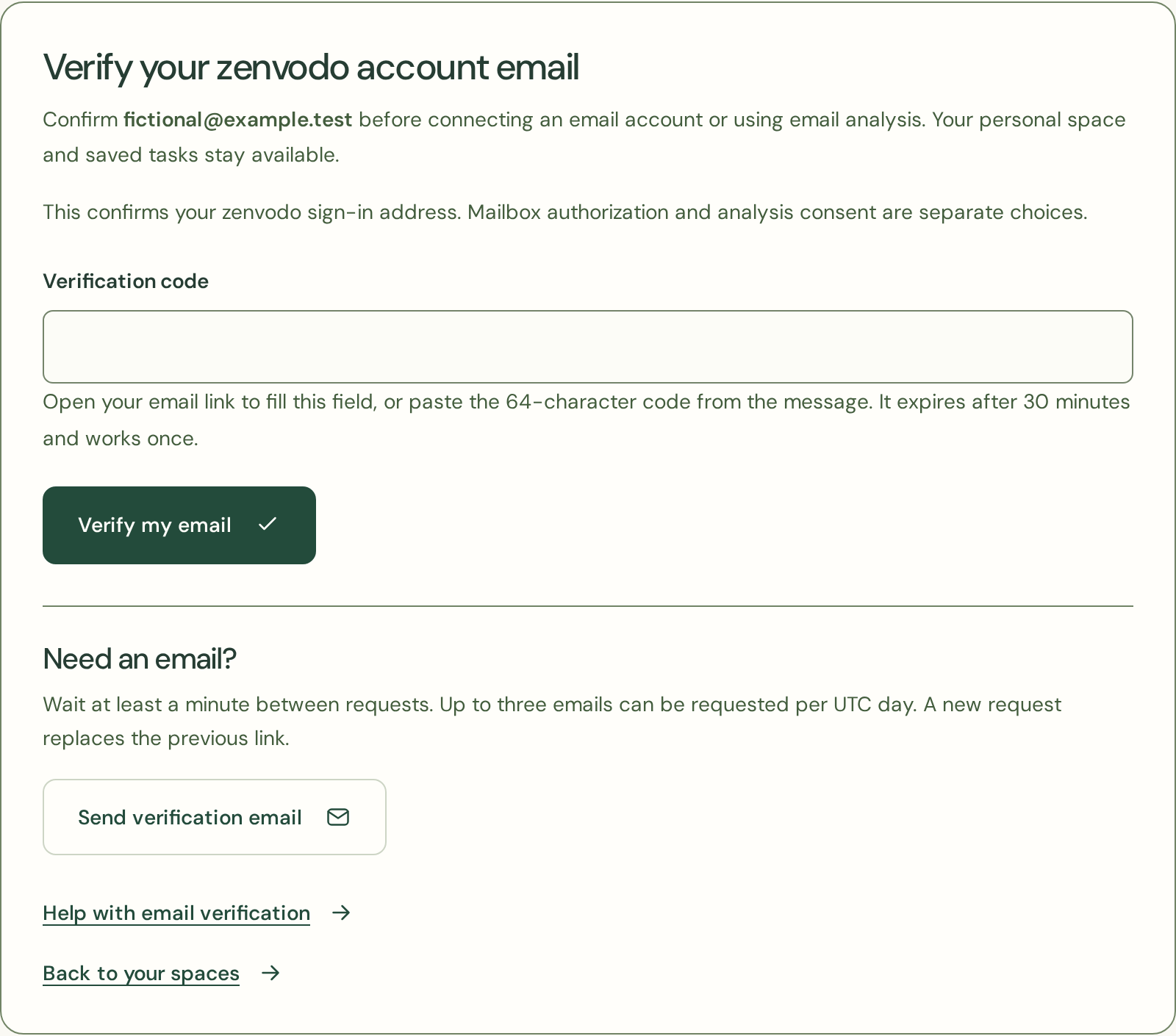
After signing up, check your inbox for a verification email. Sign in to the zenvodo account you created, open the email link and select Verify my email. Opening the link alone does not verify the account. You can also go to Account → Verify your email, paste the code from the message and select Verify my email. The link and code expire after 30 minutes and can only be used once.
Request another email
From Account, choose Verify your email. Check your inbox and spam folder before requesting another message. Wait at least a minute between requests; up to three emails can be requested per UTC day. A new request replaces the previous link. After five incorrect attempts, request a fresh code.
Understand the limits
Verification confirms control of an address, not a person’s identity. Mailbox authorization and analysis consent remain separate. If your account email changes, confirm the new address before mailbox access resumes. Never share verification codes. If you did not create the account or request the email, ignore the message.