 zenvodo
Your workspace, yours to keep
Download your tasks and workspace settings in a portable format.
Make a copy
Open Account and choose Download this workspace beneath the workspace you want. Choose JSON or CSV, confirm that the file contains private data, then download. Your browser handles the file; JavaScript is not required. Each download covers one workspace, including every task status and every page.
Choose a format
JSON contains tasks, source metadata, task-action history, personal email rules, saved custom views and your layout. CSV contains tasks for a spreadsheet. Dates are UTC. CSV cells that could be interpreted as formulas are prefixed with an apostrophe for safety; JSON preserves the original text. Downloads are limited to 64 MiB. Contact support if you need a larger export.
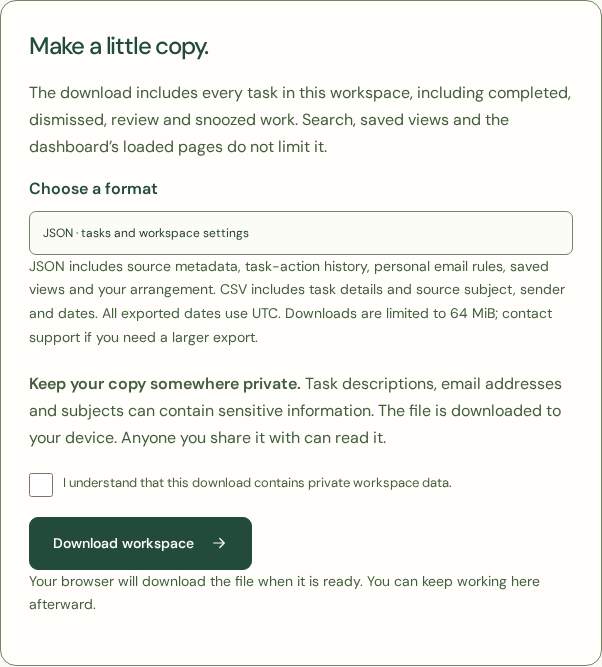
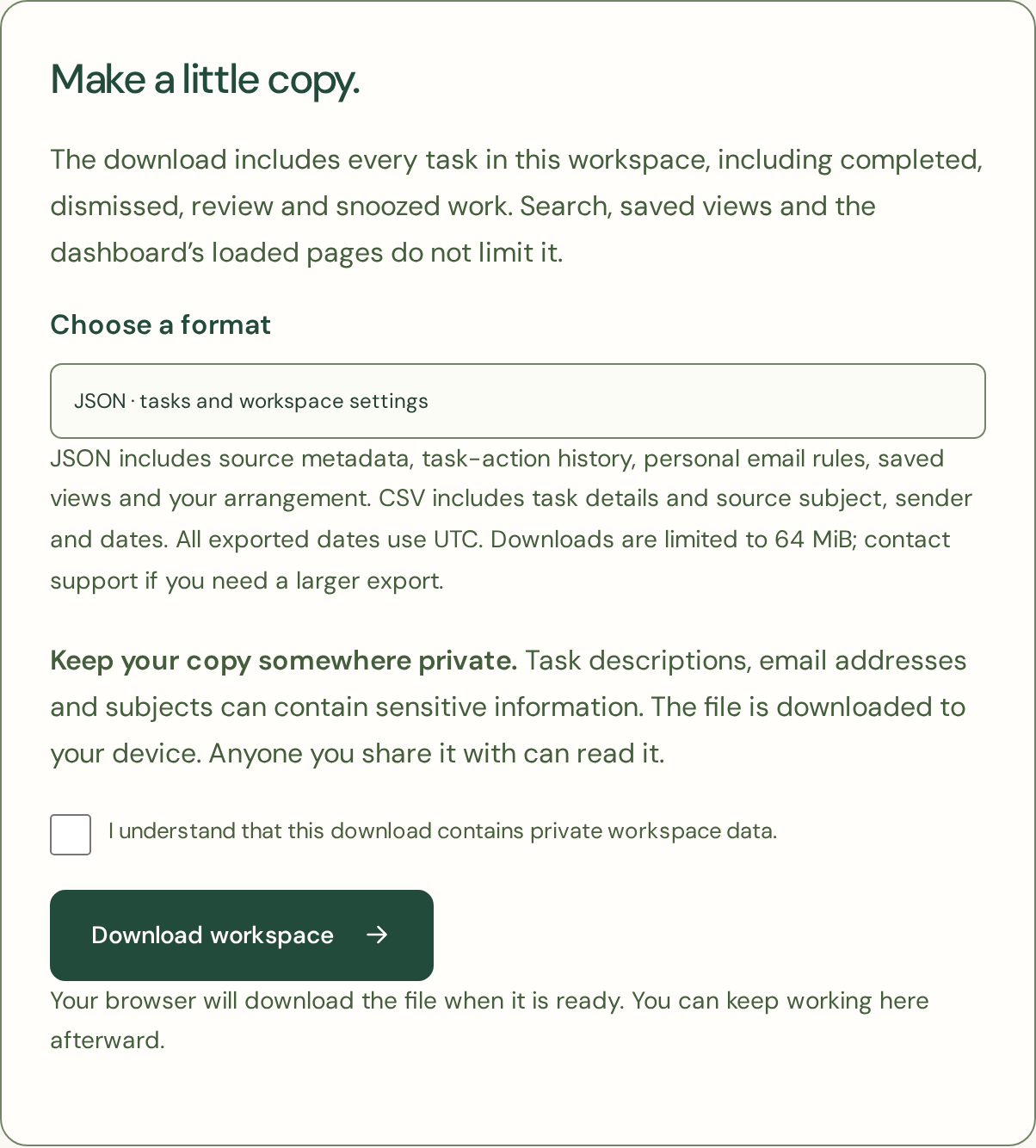
Keep it private
Files contain task descriptions, subjects and email addresses. Save them securely and share them carefully. Credentials, tokens, checkpoints, original email bodies and attachments are excluded. Exporting does not fetch new mail or use analysis credits. Temporary server data is removed when the request ends.
Know the scope
This is a workspace copy, not an account-wide export or a restorable backup. Importing a downloaded workspace is not supported. Profile data, briefing settings and delivery records remain outside the workspace download. Open Account settings → Your data and account to download all account data or close a dedicated customer account.