 zenvodo
Revoke Google access without losing saved tasks
Stop future access, check the result, and reconnect only when you choose.
Review before revoking
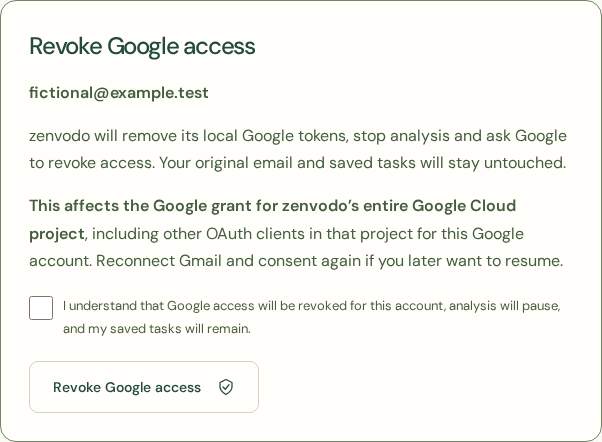
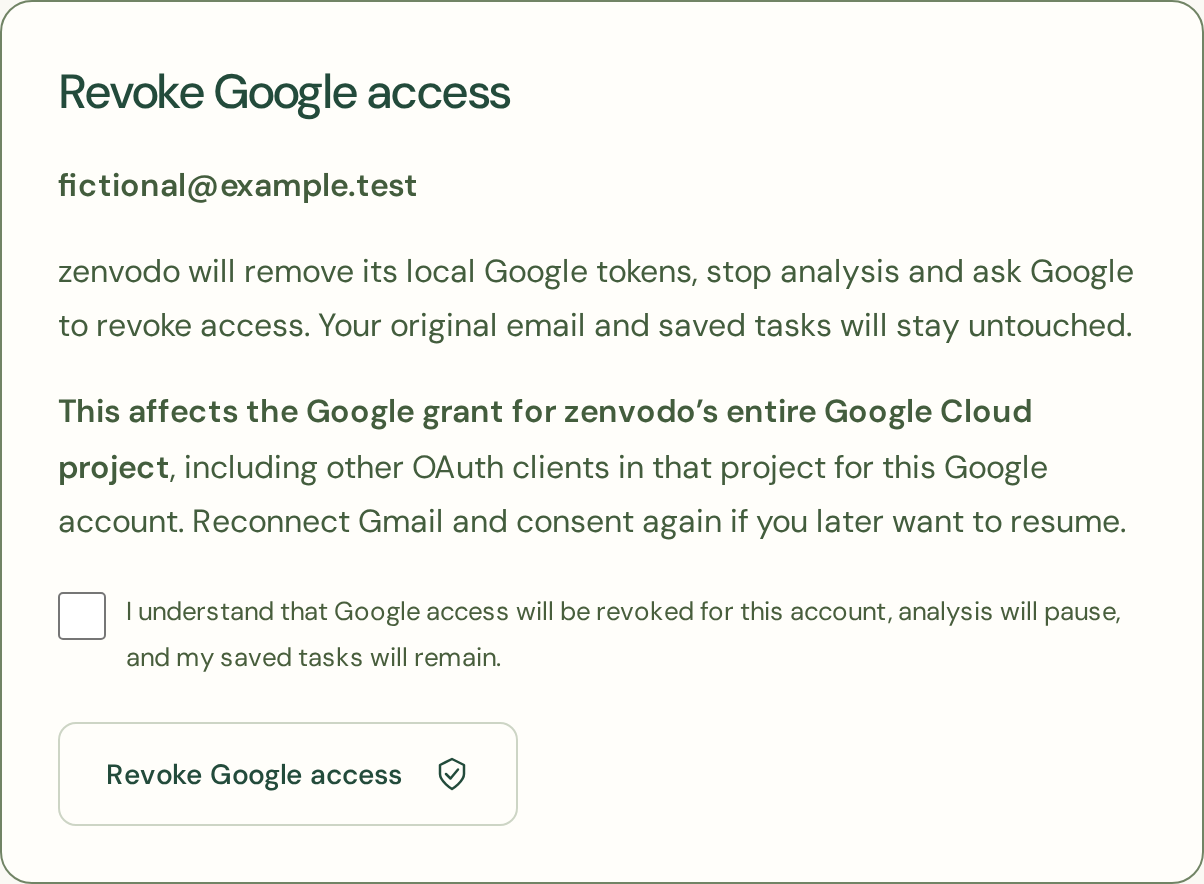
In Your Spaces, choose Revoke Google access for the Gmail connection. Confirm that the grant will be revoked. This affects the Google account’s grant for the entire zenvodo Google Cloud project, including other OAuth clients in that project.
Know what is kept
zenvodo first removes its local Google tokens and pauses analysis, preserving saved tasks. It then asks Google to revoke the grant. Google confirmation and local credential removal are reported separately. Original email is untouched. New Gmail authorizations are temporarily unavailable. Existing authorized connections retain their current tools; after revocation, analysis cannot resume until onboarding is enabled again.
If Google cannot confirm
Local credentials are still removed. Finish revocation manually at myaccount.google.com/connections. No token is retained for background retries. Disconnect this account is separate: it deletes the local workspace and tasks, so revoke first if you also want the remote grant removed.
iCloud is different
Apple app-specific passwords must be revoked in your Apple Account. IMAP credentials must be revoked or changed with your mail provider. zenvodo cannot revoke these passwords remotely. Local disconnection removes the stored password and workspace data without changing your original mail.